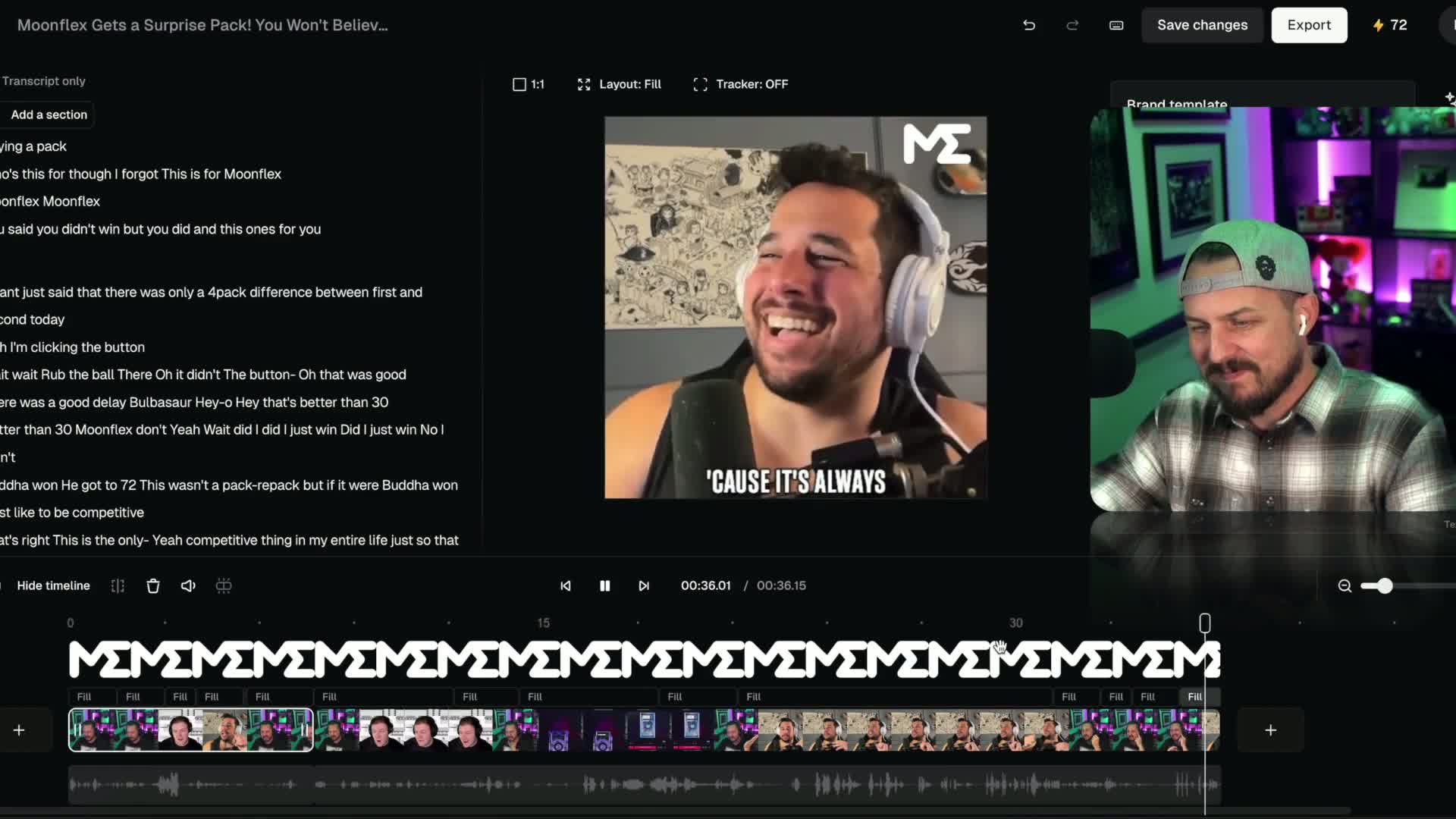
Such a simple thing to do using the built in editor (at least on iPhone).
When every second counts, why waste the first 1 or 2 before you start talking or after you finish the video?

" I just pushed the record button and now I'm gonna push it again. Something so simple like editing out the very beginning, right after you push record, and the very end right after you stop recording is the most basic edit. Learn it. It's super simple."

You're absolutely right! Trimming the beginning and end of your recorded video clips is one of the most basic and essential editing techniques. It helps to remove any unnecessary footage or awkward pauses, ensuring a clean and polished final product.
Most video editing software provides a simple way to trim clips by allowing you to select the desired in and out points. By removing the unnecessary parts at the beginning and end, you can start your video smoothly and end it cleanly, creating a more professional and engaging viewing experience.
Learning this basic edit is a great starting point for video editing, and it sets the foundation for more advanced techniques you can explore in the future. So keep practicing and familiarize yourself with the editing tools available to you, and you'll be able to create more refined and compelling videos.